Article Detail
Beranda Foto Produk yang Menjual di Layar Kecil
.png)
Recent Post



Blog Tags
- website, web performance, core web vitals, ux, ui, information architecture, cta, conversion, forms, social proof, security, https, ga4, tag manager, seo, cdn, mobile-first, trust, e-commerce, usability, page speed
- short form video, reels, tiktok, youtube shorts, content pillars, content strategy, analytics, retention, completion rate, saves, shares, creator ops, consistency, marketing
- digital hygiene, keamanan, backup, restore test, access management, 2FA, password manager, kolaborasi, cloud storage, sop, produktivitas, tim kecil
- landing page, hero, benefit, faq, social proof, copy, cta, ab testing, analytics, web performance, mobile first
- search intent, content hub, internal link, onpage, meta, gmb, nap, https, mobile, sitemap, robots, backlinks, search console
- product photo, packshot, lifestyle, lighting, white balance, macro, crop, preset
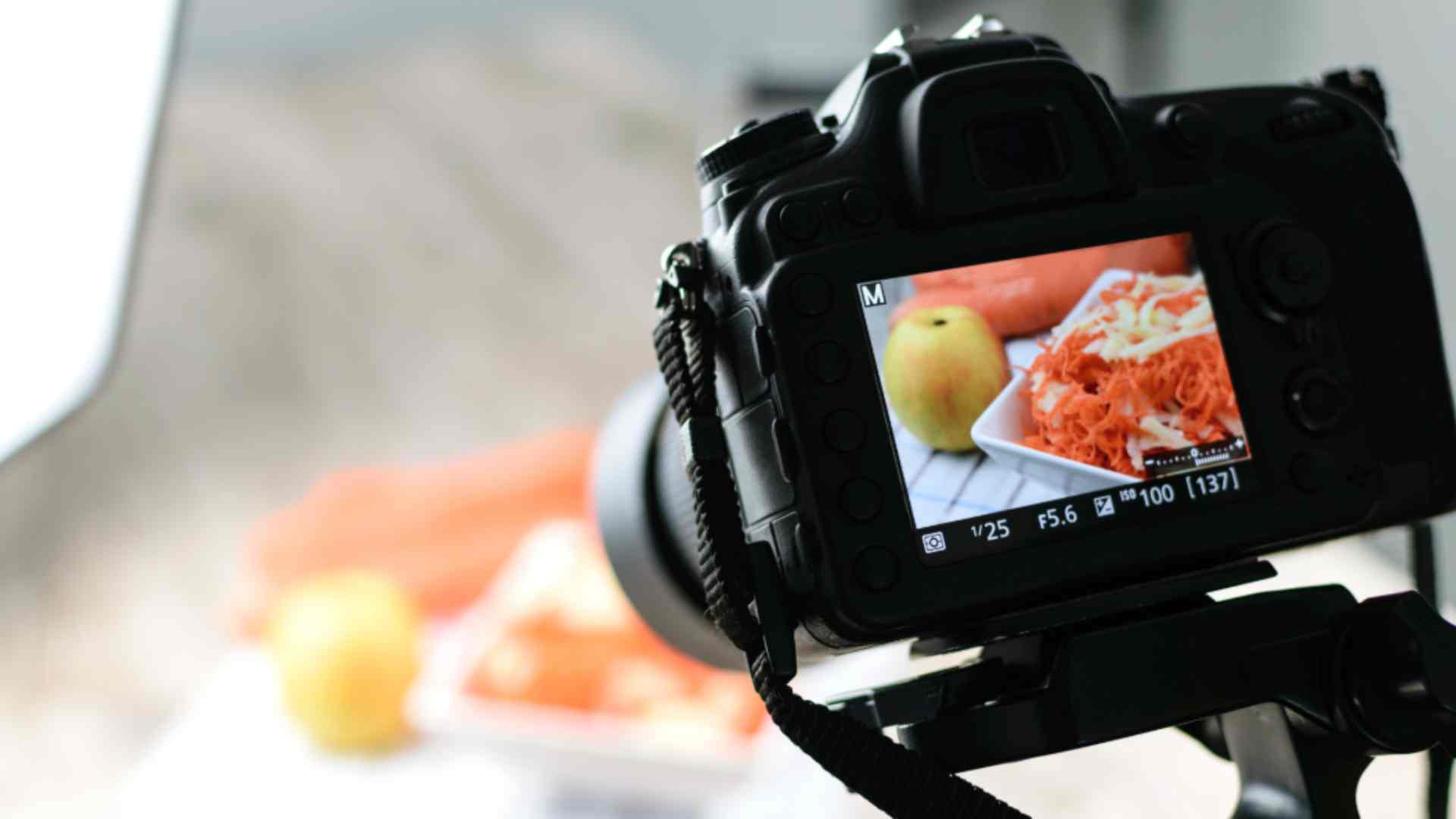
Foto Produk yang Menjual di Layar Kecil
Di e-commerce, foto adalah pramuniaga pertama: ia harus jelas, konsisten, dan jujur pada warna serta detail agar orang bisa membayangkan produk di tangan mereka. Tujuannya sederhana yaitu membuat calon pembeli merasa yakin untuk menekan tombol beli.
Sebelum menekan tombol shutter, mari kita siapkan fondasinya terlebih dulu dengan niat visual, setup yang rapi, dan alur kerja, baru kemudian masuk ke teknik pemotretan, pengolahan, dan cara mengukur dampaknya.
1) Mulai dari niat visual dan cerita singkat
Tentukan satu cerita untuk setiap produk: menonjolkan tekstur, ukuran, atau cara pakai. Siapkan brief kecil berisi target audiens, gaya brand, dan daftar shot yang dibutuhkan. Dengan niat yang jelas, proses di lokasi lebih cepat.
2) Setup yang ramah kantong tetapi rapi
Manfaatkan cahaya jendela dari samping, tambah reflektor sederhana (karton putih) untuk mengisi bayangan, dan gunakan latar polos yang bersih. Pasang tripod kecil, aktifkan grid di kamera, dan hindari zoom digital agar detail tetap tajam.
3) Konsistensi sudut dan komposisi
Ambil rangkaian tetap: front, 45°, samping, belakang, detail makro, dan skala (bandingkan dengan objek familiar). Simpan preset framing agar setiap pemotretan berikutnya selaras. Komposisi beri ruang “bernapas” untuk teks jika perlu.
4) Warna yang akurat itu penting
Atur white balance sebelum memotret. Jika ada, pakai grey card untuk kalibrasi sederhana. Saat retouch, jaga warna kulit/produk tetap natural; hindari filter berlebihan yang mengubah persepsi.
5) Packshot vs lifestyle
Gunakan packshot di latar bersih untuk PDP dan katalog, lalu selingi lifestyle agar calon pembeli paham konteks pemakaian. Lifestyle boleh memakai properti, namun jangan sampai properti lebih menonjol daripada produknya.
6) Format dan ukuran untuk berbagai kanal
Siapkan rasio 1:1 untuk katalog, 4:5 untuk feed, dan 9:16 untuk story/reels. Simpan preset ekspor agar ukuran file hemat data tanpa mengorbankan ketajaman. Untuk web modern, pertimbangkan WebP; untuk marketplace, ikuti panduan platform masing-masing.
7) Retouch yang bersih dan konsisten
Fokus pada kebersihan: hilangkan debu, sesuaikan exposure/kontras, dan samakan white balance antar foto. Kerjakan secara non-destruktif (layers/preset), lalu ekspor dengan penamaan rapi seperti SKU_warna_angle_v02.jpg.
8) Penyimpanan dan alur kerja
Bangun struktur folder sederhana: Produk/SKU/RAW, Produk/SKU/EDIT, Produk/SKU/FINAL. Catat versi agar approval gampang dilacak. Simpan cadangan di cloud bersama tim.
9) Ukur dampak visual, bukan perasaan
Uji variasi foto utama (hero) untuk melihat mana yang meningkatkan CTR dan add-to-cart. Perhatikan durasi lihat foto di PDP; jika orang sering memperbesar foto detail, tambahkan shot makro yang lebih jelas.
10) Kesalahan umum dan perbaikannya
Latar kusut, highlight meledak, warna tidak konsisten, dan crop yang memotong bagian penting. Solusinya ada di persiapan: set pencahayaan sederhana yang stabil, cek histogram, pakai preset ekspor, dan review bersama satu orang “penjaga kualitas”.
Foto produk yang baik tidak berlebihan, ia jujur, rapi, dan konsisten. Ketika gambar membantu orang membayangkan rasa memiliki, keputusan beli terjadi lebih cepat. Investasi kecil di proses akan kembali lewat konversi yang lebih tinggi.
GDV (Global Digital Verse) menghadirkan Product Photo Pack mulai dari brief visual, pemotretan packshot, retouch yang konsisten dan struktur file siap pakai. Hasilnya katalog yang seragam dan produk yang ditampilkan lebih meyakinkan.